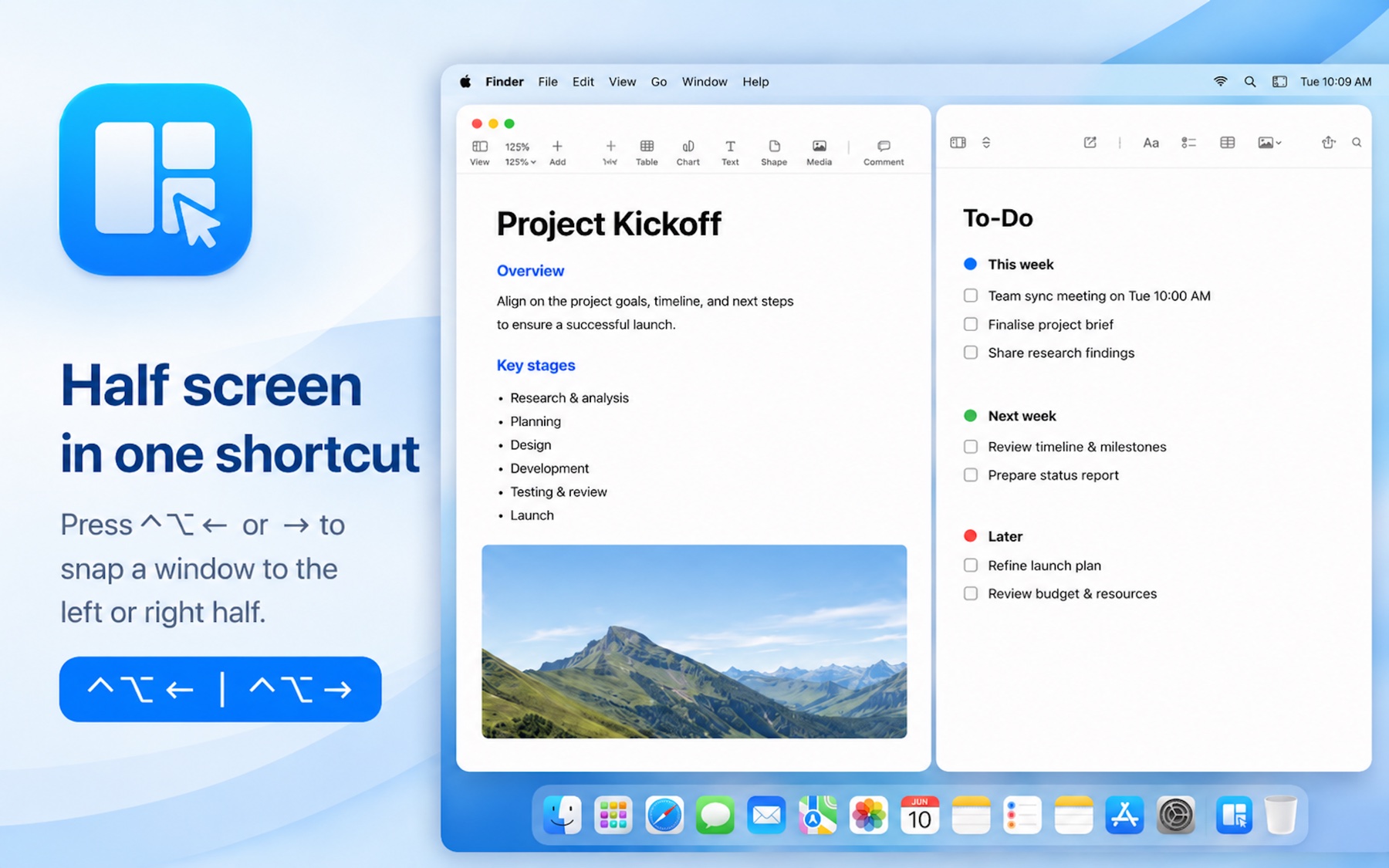
Half-screen snapChia đôi màn hình
Perfectly bisect your screen for side-by-side comparison or research.Chia màn hình gọn gàng để so sánh hoặc nghiên cứu song song.
GamesTrò chơi
 AniMatch 3Slide-and-match animal puzzleGiải đố trượt & ghép thú
 Piano and ZombiesLearn real piano, ages 3–10Học piano thật, 3–10 tuổi
 Shipper Rush 3D3D delivery arcade racerĐua giao hàng arcade 3D
Apps for Mac & iPhoneỨng dụng cho Mac & iPhone
 SnapTileMac · Keyboard window managerMac · Sắp xếp cửa sổ bằng phím tắt
 Virtual DisplayMac · Up to 4 extra displaysMac · Thêm tối đa 4 màn hình ảo
 AirDisplayMac · Extra display in a windowMac · Màn hình mở rộng trong một cửa sổ
 ViDash AIiPhone · AI dashcam · coming sooniPhone · Camera hành trình AI · sắp ra mắt
macOS · v1.0 now availablemacOS · Đã có bản v1.0
SnapTile is a fast, lightweight window manager that organizes your desktop instantly with intuitive shortcuts. SnapTile là ứng dụng quản lý cửa sổ nhanh và nhẹ, giúp sắp xếp màn hình tức thì bằng phím tắt thông minh.
Apple Silicon & Intel ready · No tracking Chạy trên Apple Silicon & Intel · Không theo dõi
FeaturesTính năng
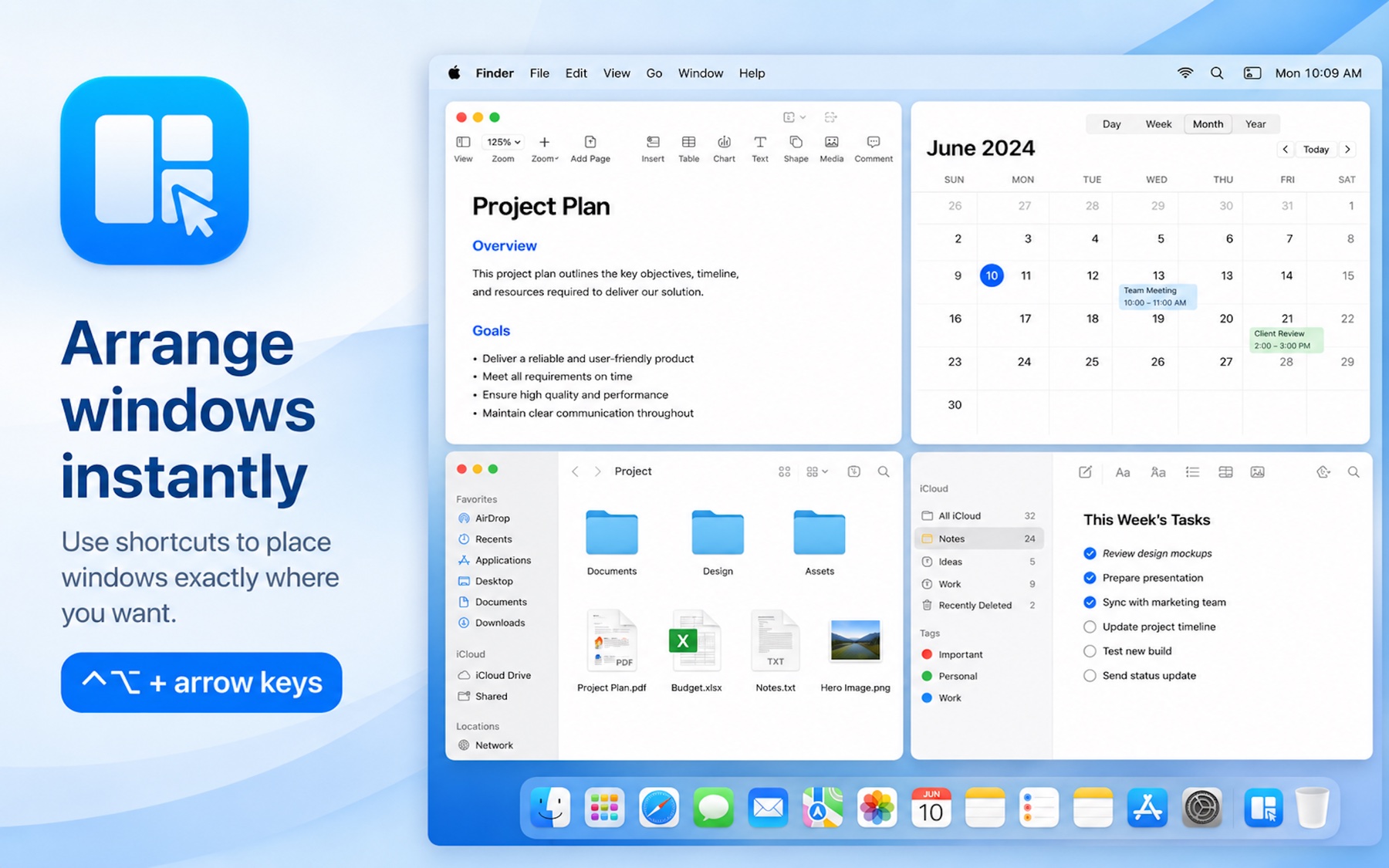
Simple shortcuts to achieve complex window arrangements.Phím tắt đơn giản cho những cách sắp xếp cửa sổ phức tạp.
Perfectly bisect your screen for side-by-side comparison or research.Chia màn hình gọn gàng để so sánh hoặc nghiên cứu song song.
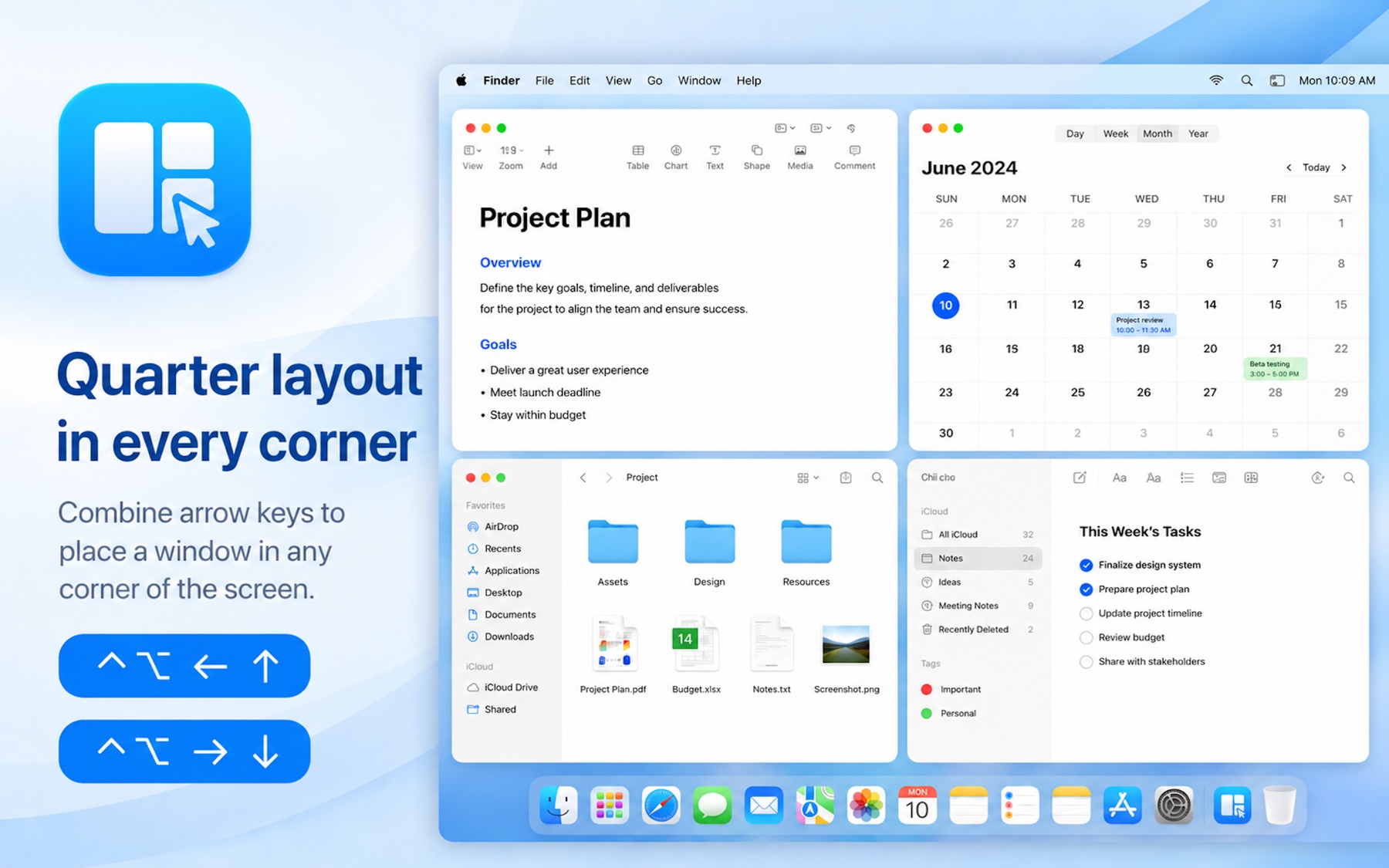
Utilize all four corners to monitor multiple streams of data at once.Tận dụng bốn góc để theo dõi nhiều luồng công việc cùng lúc.
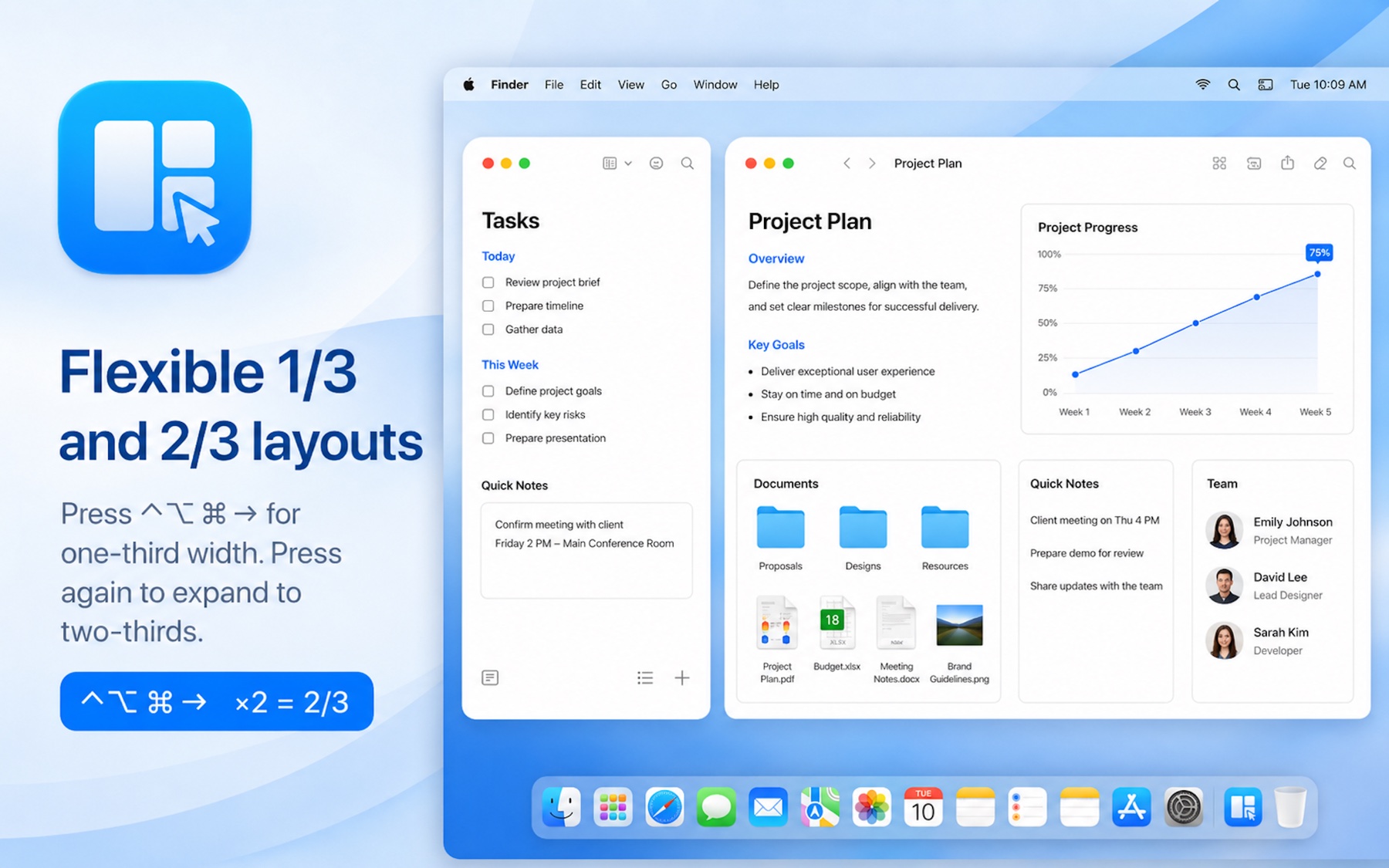
Ideal for coding with a narrow sidebar and wide main editor window.Lý tưởng cho không gian có sidebar hẹp và vùng làm việc chính rộng.
Fast and lightweight. Organize your windows with keyboard shortcuts and snap-to-grid layouts.Nhanh và nhẹ. Sắp xếp cửa sổ bằng phím tắt và bố cục bám lưới.
Shortcut guideHướng dẫn phím tắt
Click any shortcut to try it on the screen.Bấm vào một phím tắt để thử trên màn hình.
Press Control + Option + Command with the arrow direction once for 1/3 width, or twice for 2/3 width in that same direction.Bấm Control + Option + Command kèm hướng mũi tên một lần để chia 1/3, hoặc hai lần để chia 2/3 theo cùng hướng đó.
Who it's forDành cho ai
DevelopersLập trình viên
DesignersNhà thiết kế
WritersNgười viết
AnalystsNhà phân tích

We build simple, powerful tools for macOS, iOS, and Android. Like a good Banh Mi, our apps are high-quality, essential, and crafted with care. Chúng tôi tạo ra những công cụ đơn giản nhưng mạnh mẽ. Giống như một ổ Bánh Mì ngon, ứng dụng của chúng tôi chất lượng, cần thiết và được chăm chút kỹ lưỡng.
Apple Silicon & Intel ready. No tracking.Chạy trên Apple Silicon & Intel. Không theo dõi.
From the same kitchenCùng một lò bánh
AniMatch 3Slide, match, rescueTrượt, ghép, giải cứu
Piano and ZombiesLearn real pianoHọc piano thật
Shipper Rush 3DRace, deliver, beat the clockTăng tốc, giao hàng
SnapTileMaster your Mac workspaceLàm chủ cửa sổ trên Mac
Virtual DisplayExtra displays for your MacMàn hình ảo cho Mac
AirDisplayExtra display in a windowMàn hình mở rộng trong cửa sổ